Built for RTO policies

Your office days,
counting themselves.

Check in when you arrive, and your calendar fills in green. You always know how many days you have left. No spreadsheets, and you decide who ever sees it.

Download on the App Store
Free to download
iPhone · Apple Watch
Save your dashboard screenshot as
assets/screen-dashboard.png
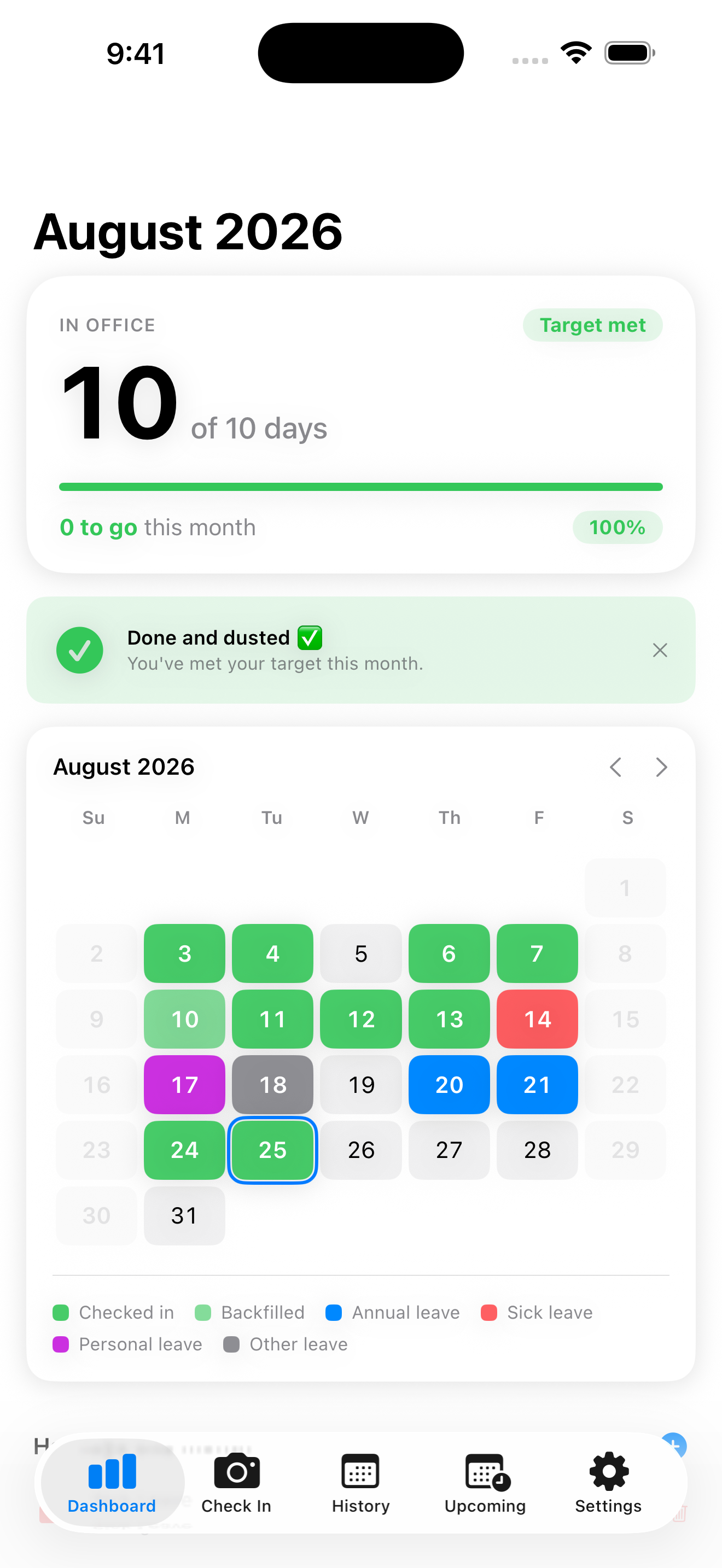
MyOfficeDays dashboard showing the month calendar and progress
Your data, your iCloud
Geofence-verified check-in
Track weekly to yearly
No account needed
Everything, one tap away

Stop guessing whether you're in the office enough.

Verified check-in

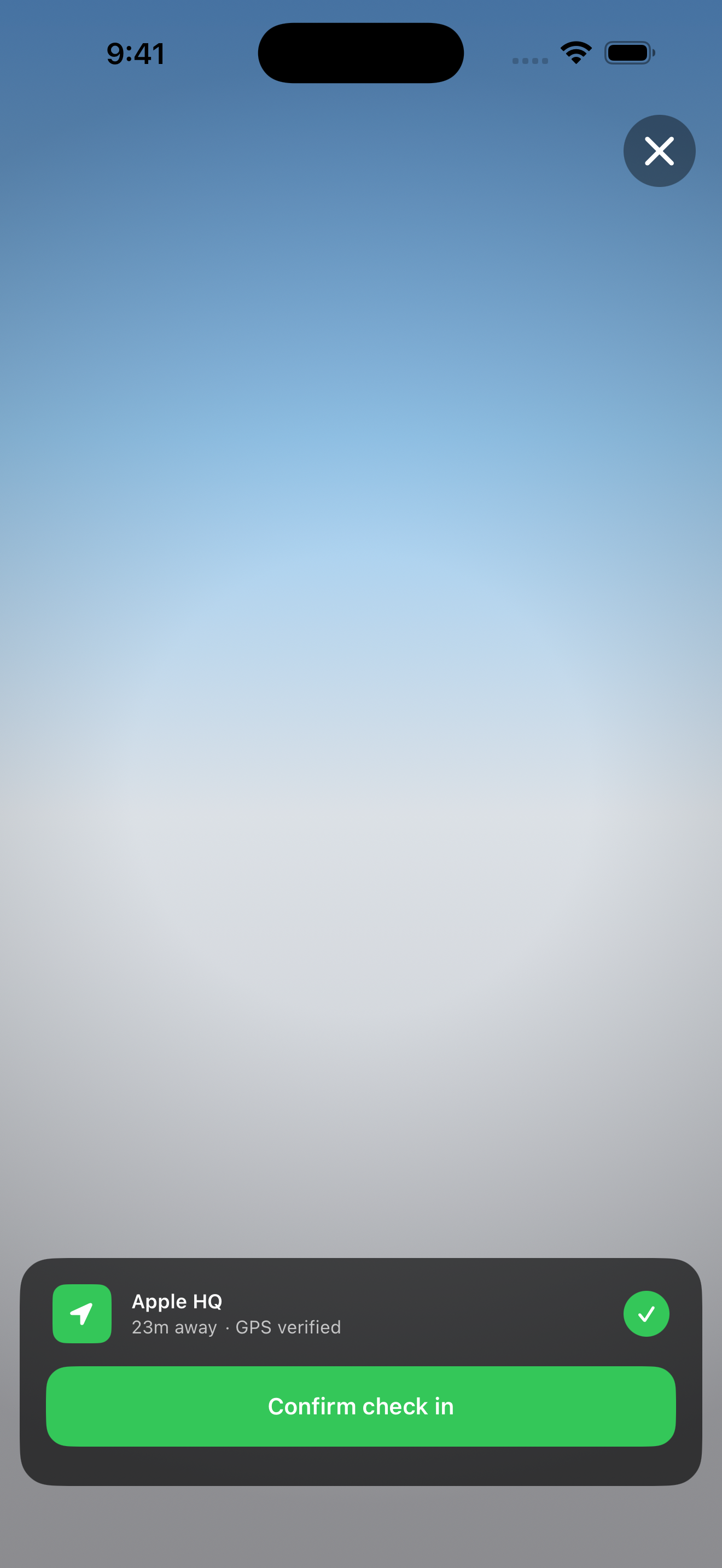
A geofence confirms you're really there. One tap, or a photo for proof.

See where you'll land

The Upcoming tab looks at your pattern and shows where you'll finish. If you're behind, it can book the days you have left.

Calendar heat-map

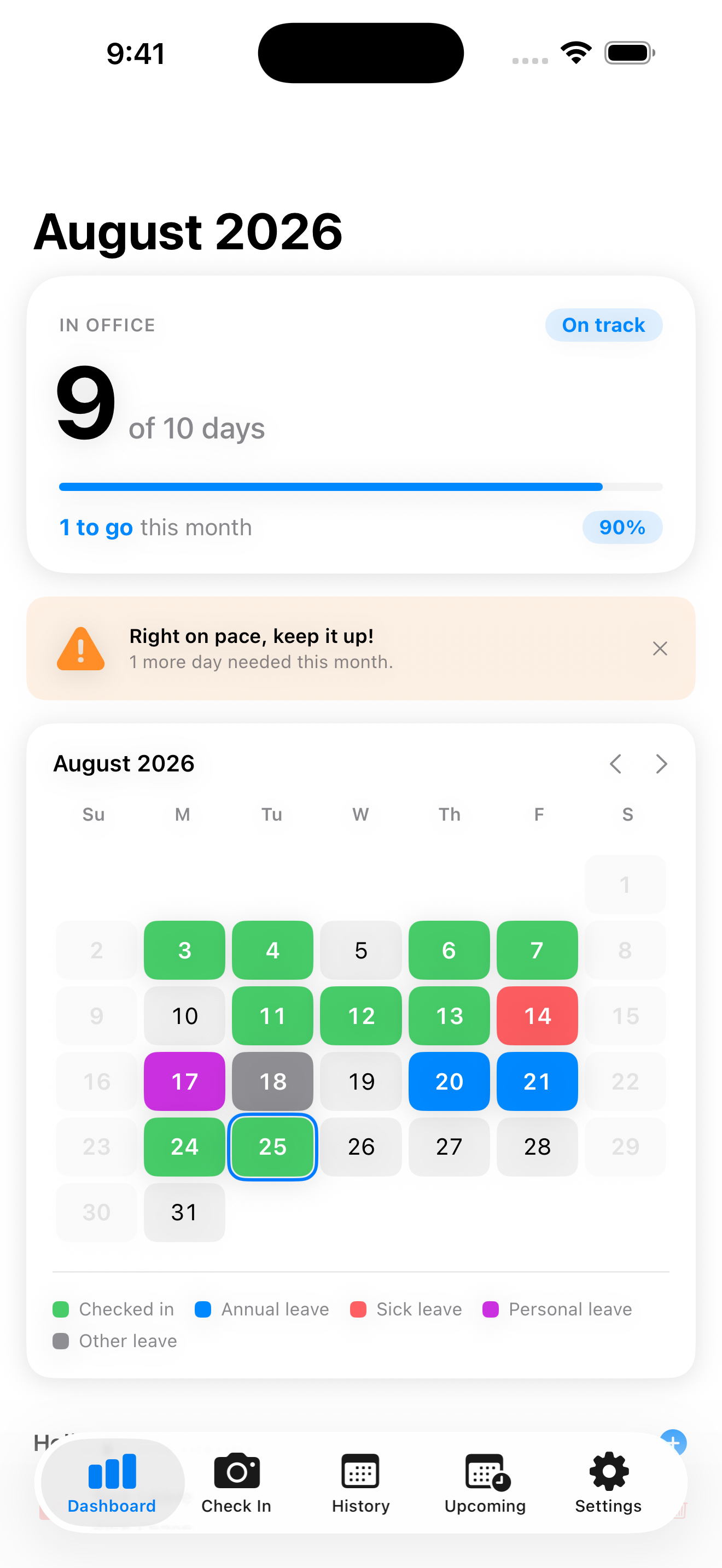
Office days show in green, with leave and holidays in their own colours. You see the whole month at once.

Set your own target

Track by week, fortnight, month, quarter, half-year or year. Set a percentage, days per week, or specific weekdays.

History and exports

Every check-in in one scroll. Backfill a missed day, or export to CSV or PDF.

Log your leave

Log annual, sick or personal leave so those days don't count against you.

Public holidays

Public holidays load automatically for your country, and you can add your own.

Watch and widgets

Check in from Apple Watch, and keep your progress on the Lock and Home Screen.

Reminders, if you want them

They're off by default. Turn on a daily prompt, or mark the day straight from the notification when you arrive.

From install to on-track

Set it up once, then just check in.

Save as
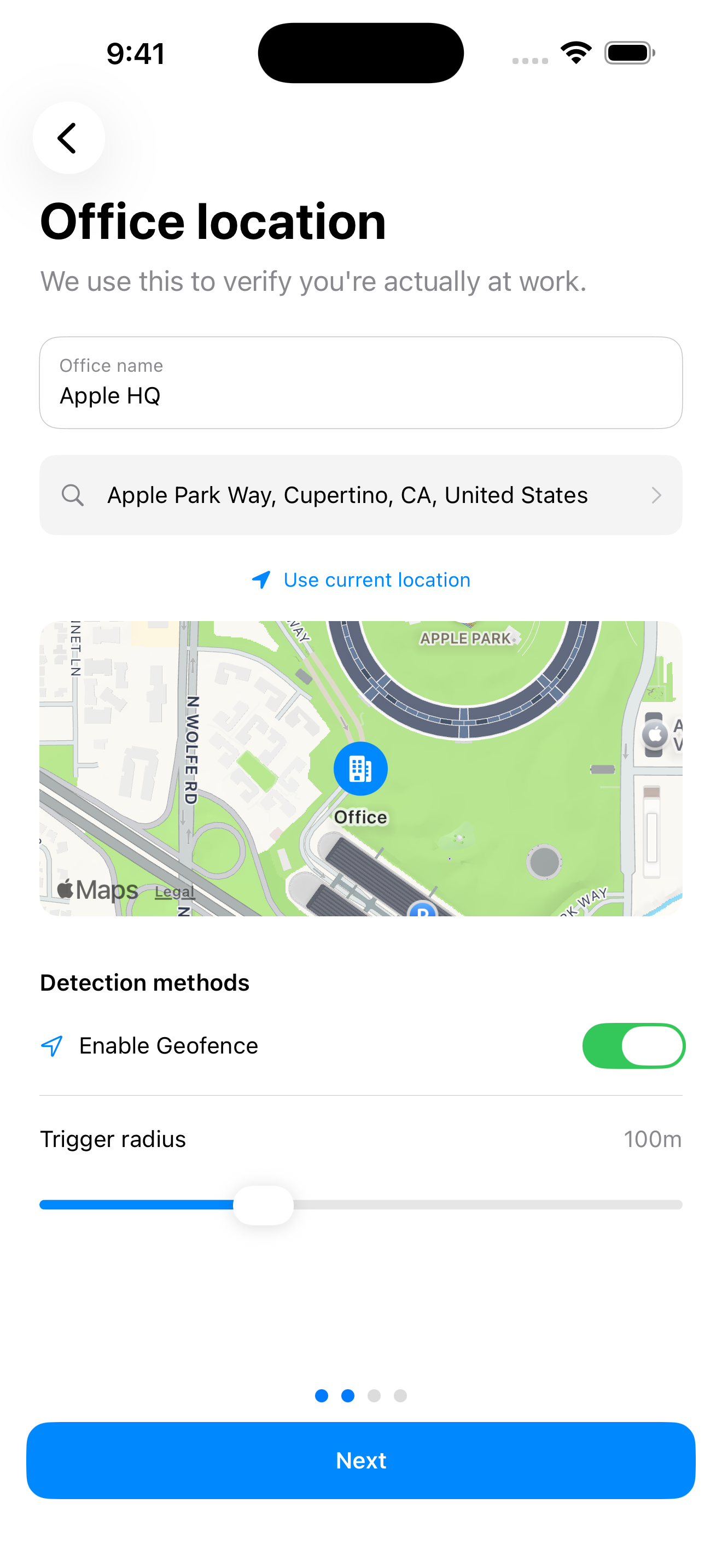
assets/screen-office.png
Setting your office location in MyOfficeDays
1

Set your office

Search your address or use your current location, then set how close counts as in. Add a second office if you split your week.

Save as
assets/screen-checkin.png
Checking in on arrival at the office
2

Check in on arrival

One tap, or a photo for proof. The geofence confirms you were there.

Save as
assets/screen-progress.png
Check-in history building up over the month
3

Watch it add up

Your progress ring and calendar update straight away, so you always know what's left.

Questions,
answered.

It's yours, it's private, and it fits almost any policy.

Does my employer see my data?

No. Your check-ins stay on your iPhone and in your own iCloud. There's no employer dashboard and no shared account. If you ever need to show someone, you export a CSV or PDF yourself.

What if I forget to check in?

Tap any past day to backfill it. Add a tag and a note so your history stays complete.

Can it match my company's exact policy?

Very likely. Track by week, fortnight, month, quarter, half-year or year, and set the day your cycle starts. Your target can be a percentage, a number of days per week, or specific weekdays.

How much does it cost?

Free to download. There's a tip jar inside if you'd like to support it.

Stop counting office
days in your head.

MyOfficeDays does it for you. Free on the App Store.

Download on the App Store